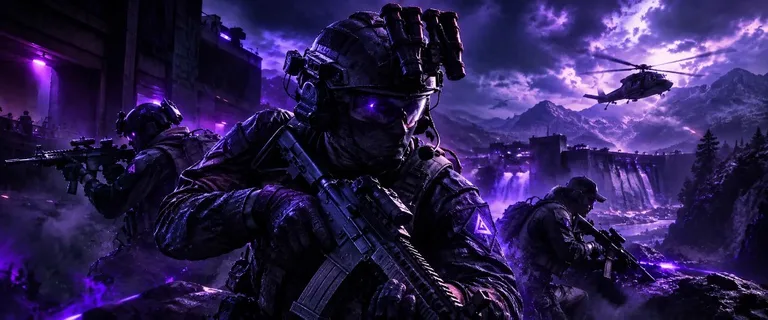
Chams controls
Applies To
Choose player, AI, weapon, hands, or self, in any combination the menu allows.
Enable
Master switch for the chams section.
Style
Static color or RGB color cycling.
Static Color Picker
Pick the solid color when style is static.
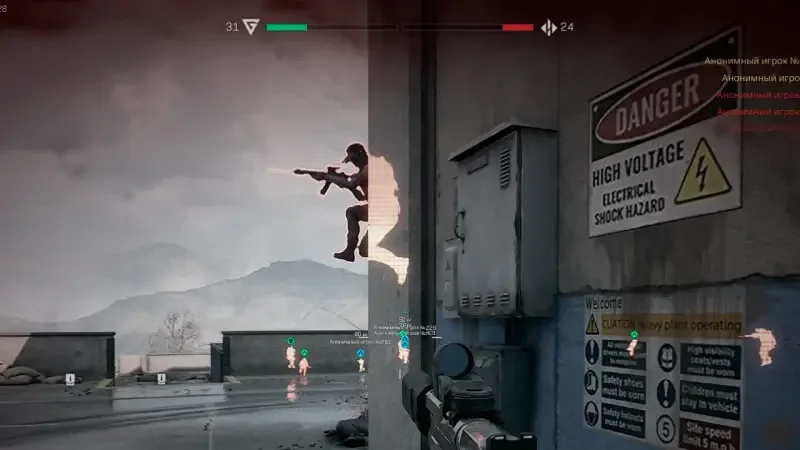
Chams vs ESP boxes
Boxes and skeletons draw outlines. Chams tint the model itself. Some players run chams with fewer text labels to keep the screen calm.
Weapon and hands targets
Weapon and hands options help in first-person when you care about your own model or what you are holding, not just enemy silhouettes.
Works well with
Related guides
Related reading
Delta Force Chams questions
Are chams the same as player ESP?
No. ESP draws text and lines. Chams shade the model mesh.
Can chams target AI only?
Yes. Use Applies To and limit the section to AI if that is what you want.
Chams ships with the full menu
One license covers every module. Monthly is $35 for 31 days. Lifetime is $150.
Around the site
Status, checkout, and the guides that sit around this module.