
Loot ESP controls
Item Name
Shows the name on ground loot.
Rarity
Rarity tier on loot labels.
Price
Listed value when the game exposes it.
Minimum Price Filter
Hides loot below the price you set.
Players Corpses
Labels corpses from eliminated players.
AI Corpses
Labels corpses from AI opponents.
Computers
Highlights interactable computers when enabled.
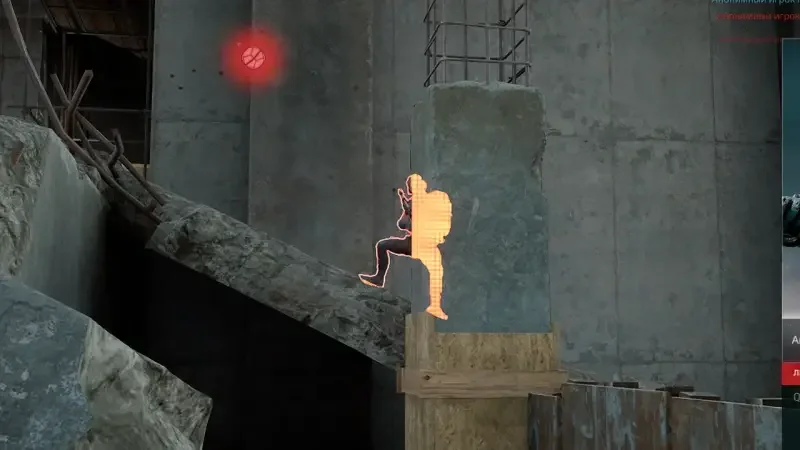
Filters beat label spam
Minimum price filter is the control most people set first on busy maps. Name and rarity help when you are hunting specific tiers. Corpses matter when you are third-partying a fight.
Loot ESP vs player ESP
Player ESP covers living operators. Loot ESP covers the ground economy: items, corpses, and computers. They are separate modules so you can run a lean PvP setup without item text everywhere.
Works well with
Related guides
Related reading
Delta Force Loot ESP questions
Can I hide cheap loot?
Yes. Use minimum price filter so only items above your threshold draw.
Does loot ESP show living players?
No. Living players are player ESP. Corpses are optional loot ESP toggles.
Loot ESP ships with the full menu
One license covers every module. Monthly is $35 for 31 days. Lifetime is $150.
Around the site
Status, checkout, and the guides that sit around this module.